If a user needs to reset their password, they have four options for how they can do so.
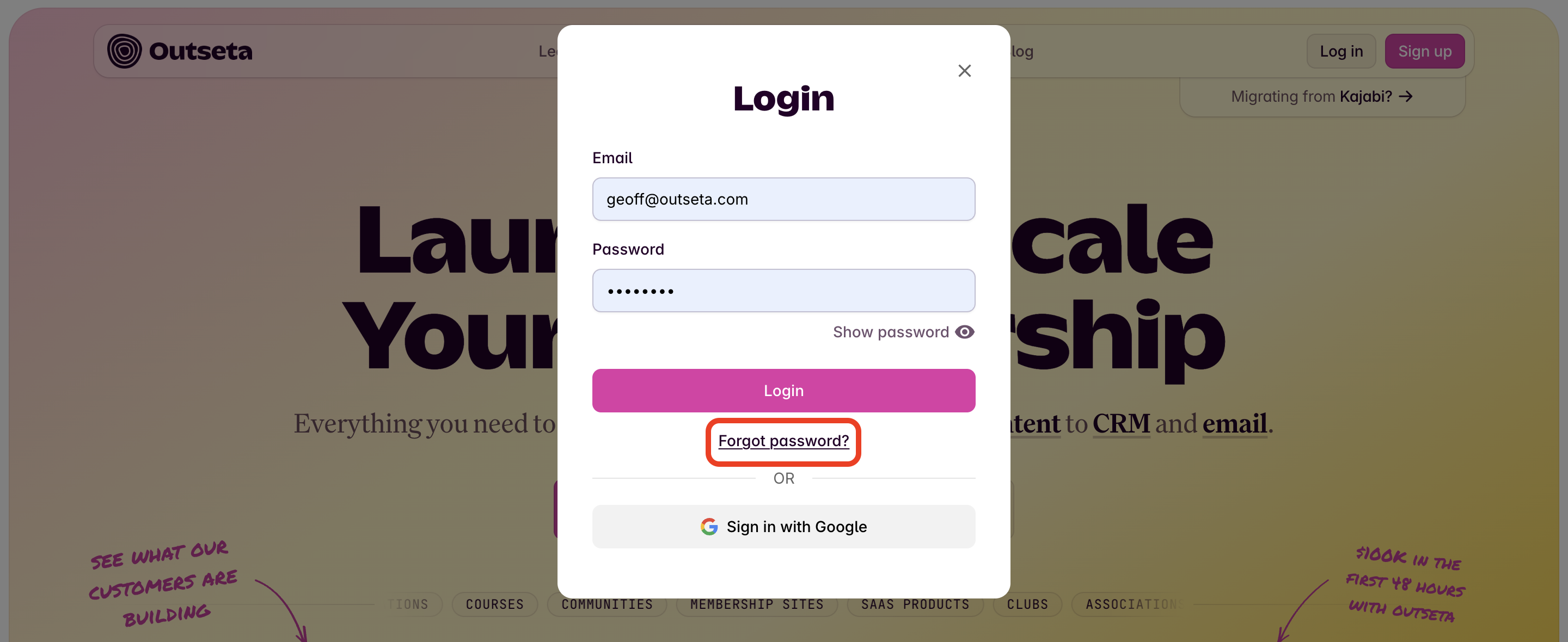
Use the Forgot Password link at login
Users can navigate to your site, and click the "Forgot Password" link when they try to login. This will walk them through the process of resetting their password.
Send the user to a hosted "Forgot Password" page
You can also elect to send the user directly to a hosted "Forgot Password" page that Outseta provides.
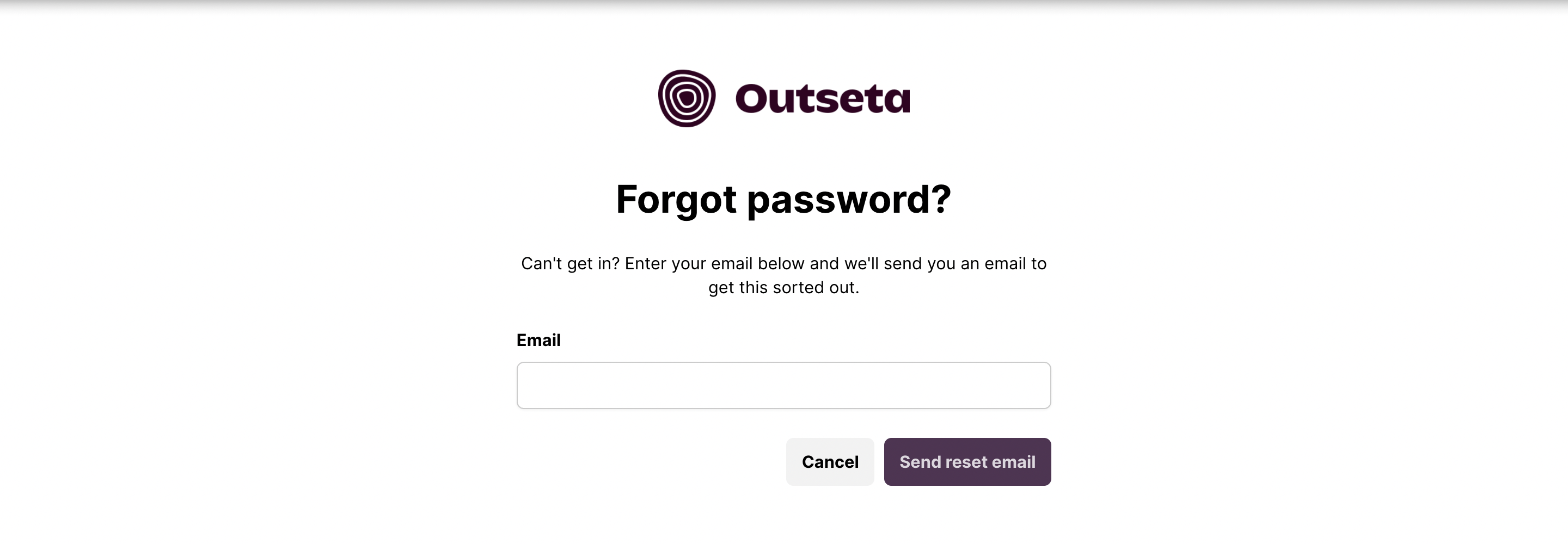
Your page lives at the URL: https://YOURDOMAIN.outseta.com/auth?state=forgotPassword
The YOURDOMAIN value should reflect the URL of domain you see when you login to your Outseta account.
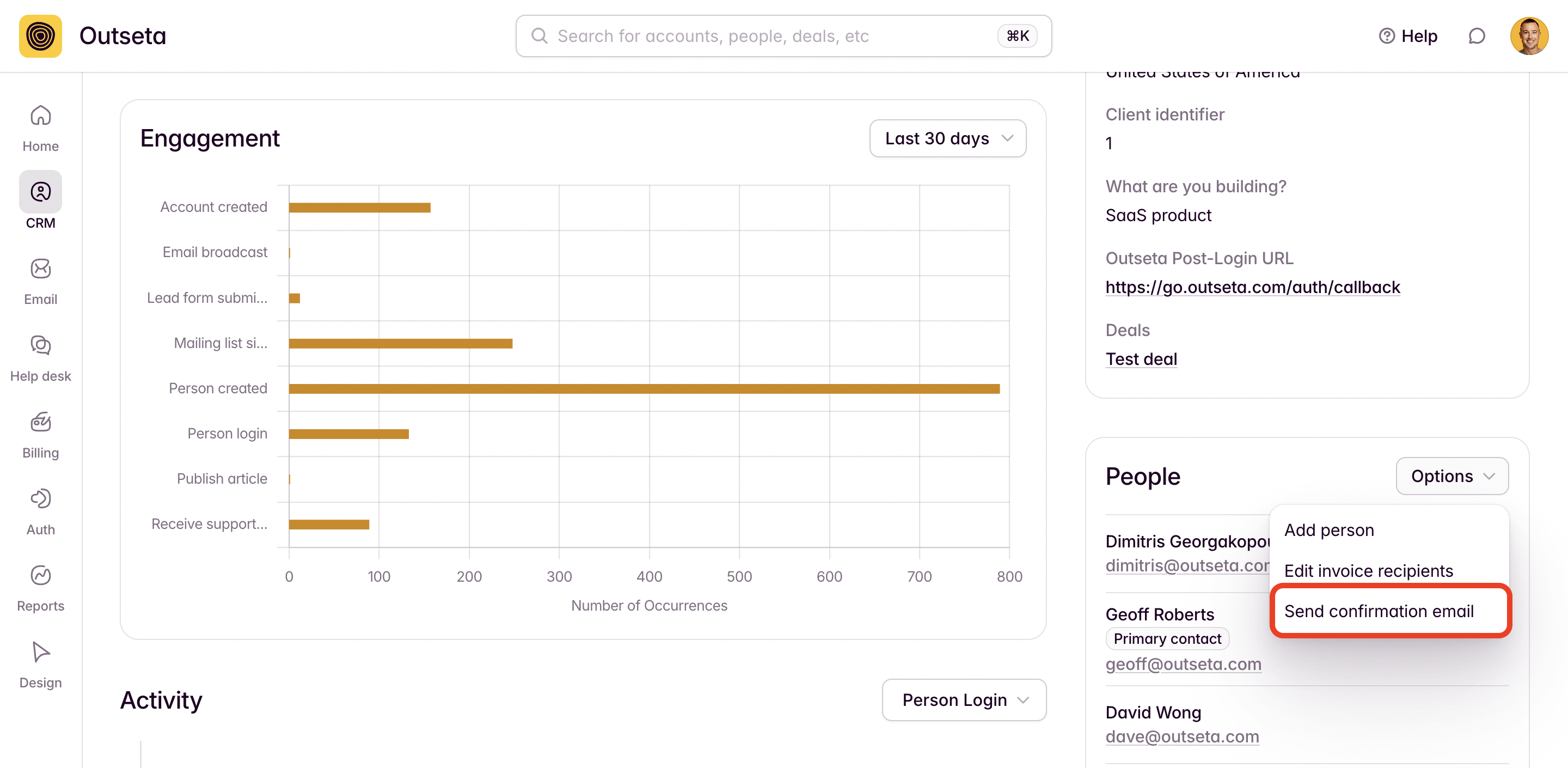
Send the user a confirmation email from their "Account"
You can also go to the ACCOUNT record for any user and use the SEND CONFIRMATION EMAIL option. This will send the user an email prompting them to reset their password.
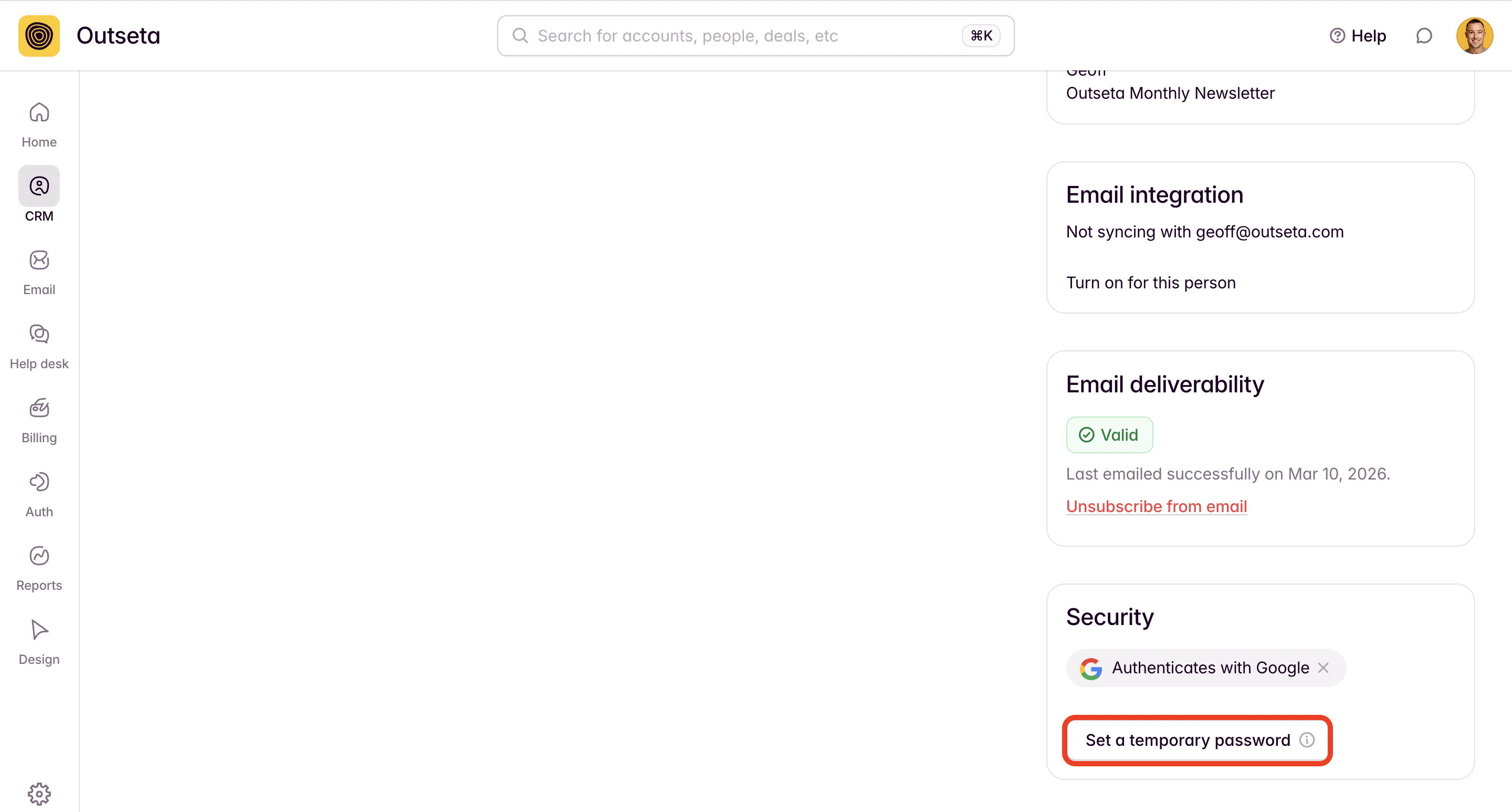
Set a temporary password from their "People" record
Finally, you can go the the user's PERSON record and set a temporary password for them from the Security section. Once generated, you'll need to email the temporary password over to the user.
This temporary password will allow the user to login and and then reset their password. This is always the best option if the user is having any issues related to receiving password reset emails.