
You can allow users to login without a password by emailing them a single-use login link that's valid for 10 minutes. This method of authentication is often referred to as "passwordless" or "magic link" login. This authentication method can currently be offered alongside email / password and Google authentication.
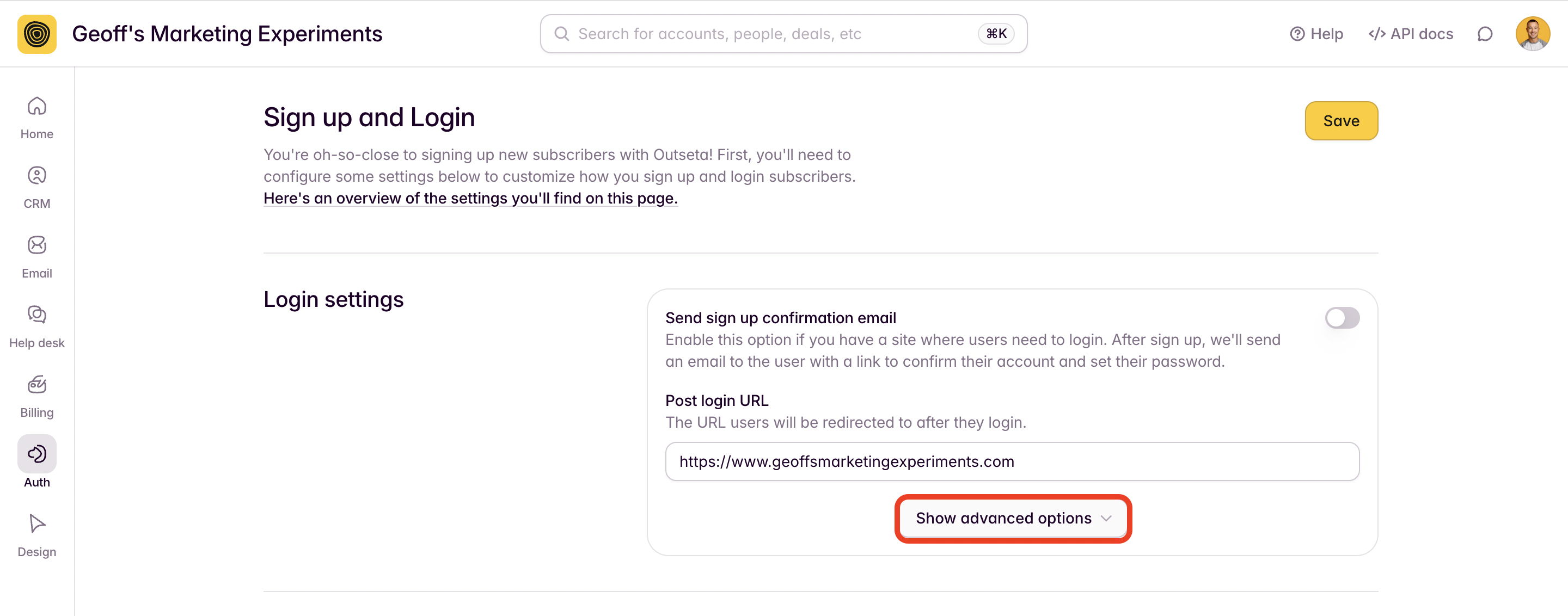
1. Go to AUTH > SIGN UP AND LOGIN and click Show Advanced Options in the Login Settings section.
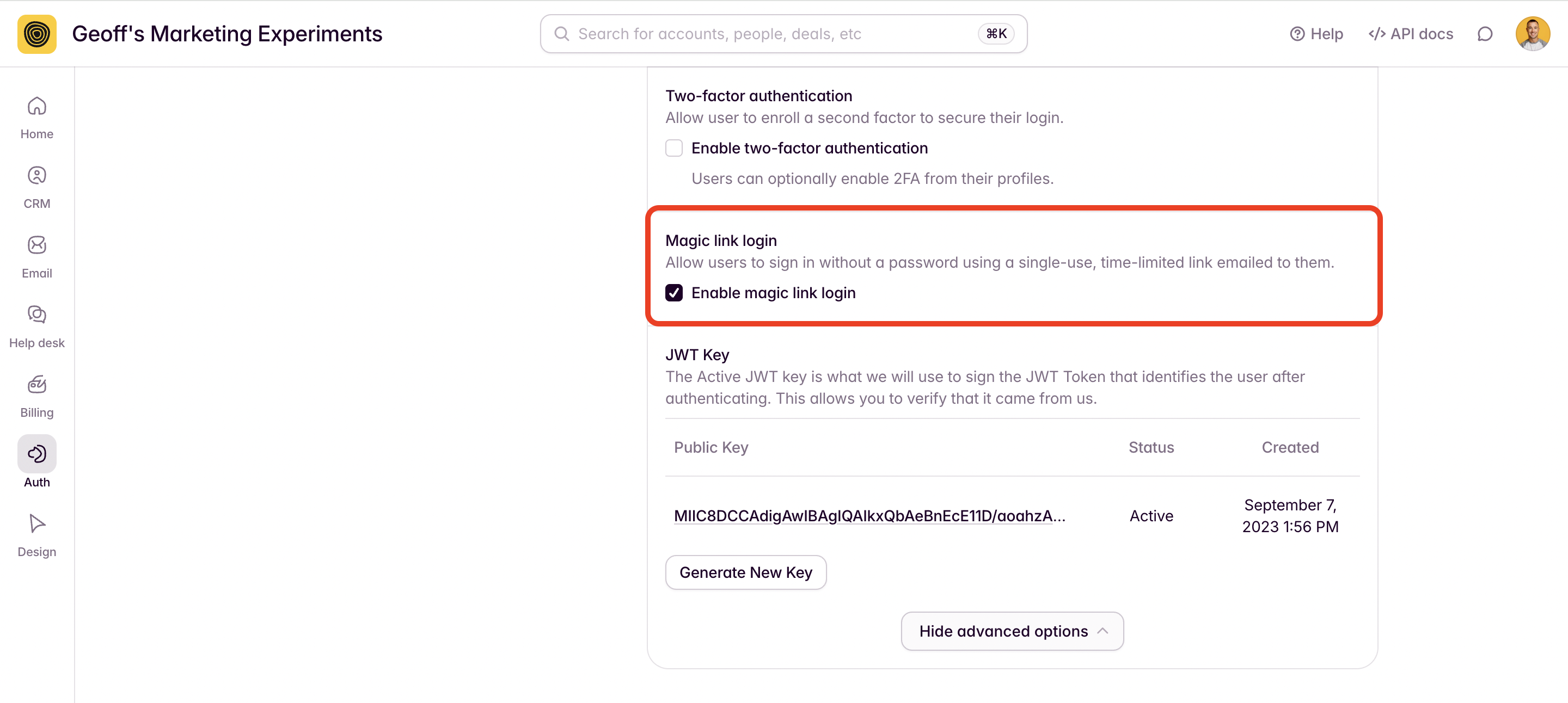
2. Select ENABLE MAGIC LINK LOGIN.
3. Outseta's Login Embed will automatically be updated with a link that allows users to request a login link sent by email.

4. The recipient will receive an email allowing them to log in simply by clicking the LOG IN button.
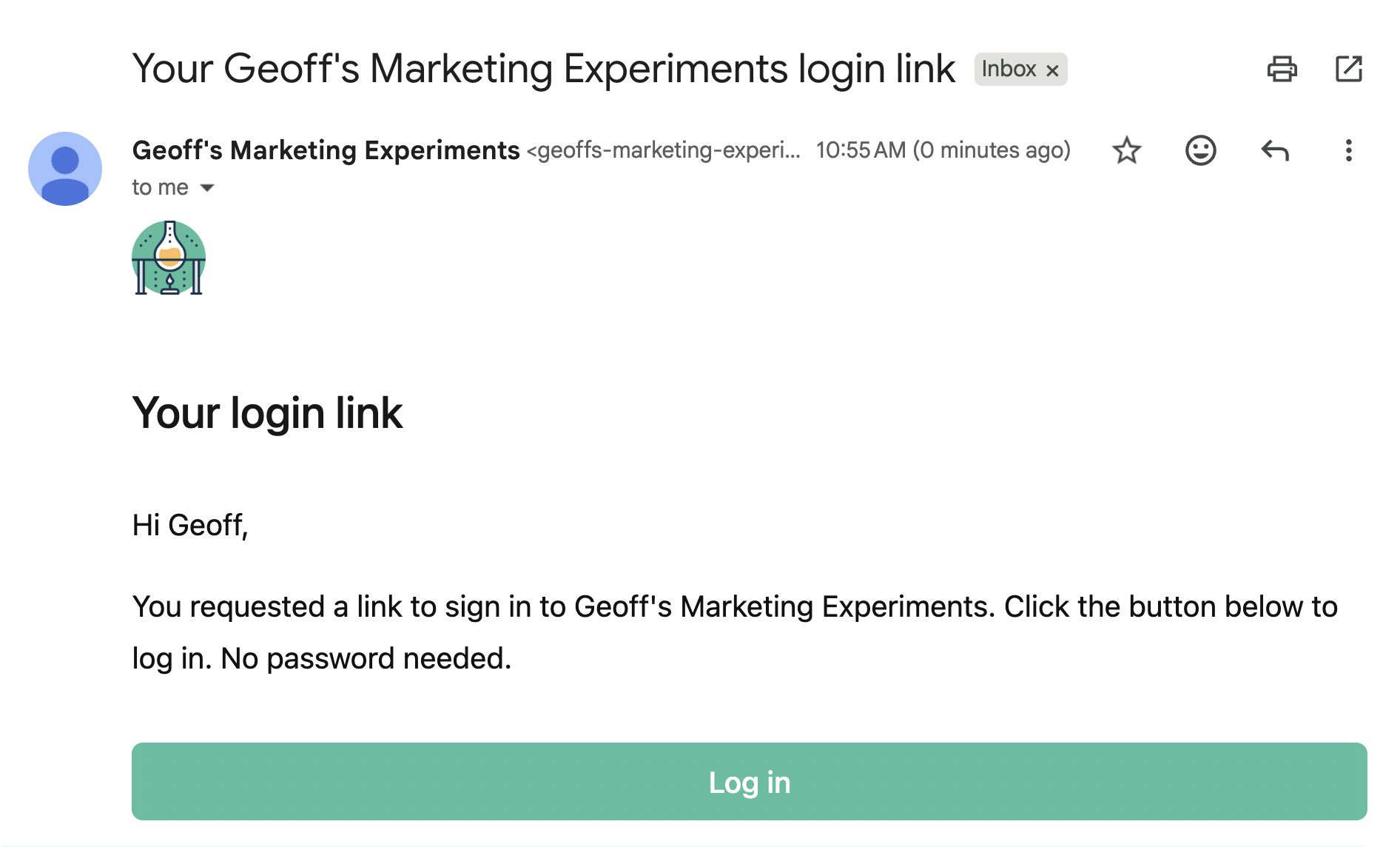
This email can be found and edited within your Outseta account by going to EMAIL > TRANSACTIONAL EMAILS. It's the Auth - Magic Link Login template.