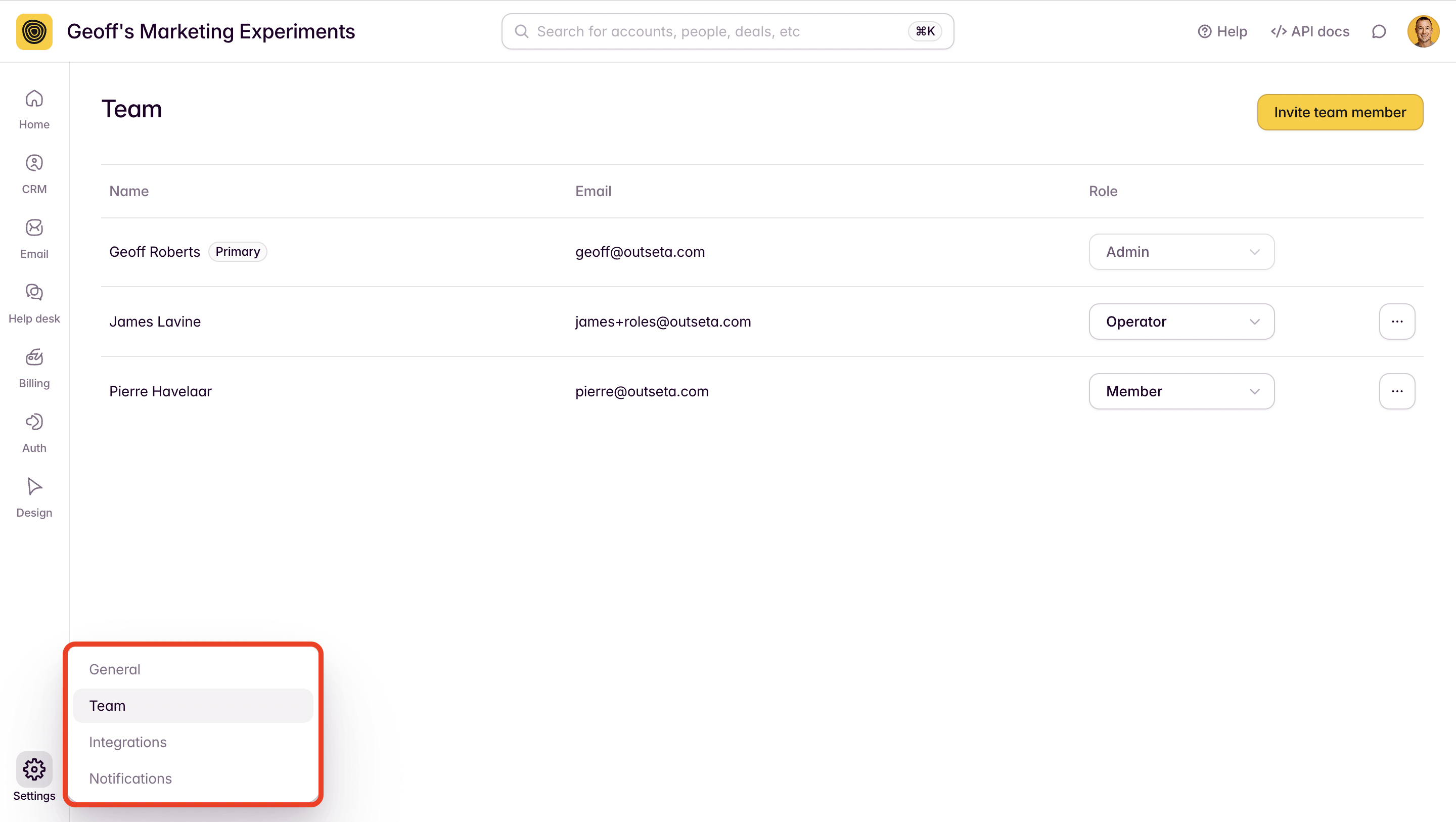
You can configure user roles within your Outseta account to control what actions your team members can take and what information they can see within Outseta. Admin users can change roles for invited team members by navigating to SETTINGS > TEAM.
User roles and permissions
Admin (Primary Contact)
The Admin (Primary Contact) role is automatically applied to the person who initially signs up for Outseta account. This is implicitly an Admin role with access to everything in Outseta, but only the Primary Contact can change who the Primary Contact on the account is. They also automatically receive invoices and payment reminders.
Admin
Admin users have full access to everything in Outseta. They can invite team members and assign user roles to everyone but themselves and the Admin (Primary Contact).
Member
All invited users are automatically assigned the Member role. The member roles has full access to everything in Outseta, but cannot invite team members or assign user roles.
Operator
The Operator role is a restricted role where menu items and APIs that show aggregated financial data are suppressed. This role is typically assigned contractors or team members who help with marketing or support—or anyone that you don't want to give access to your business' financial data.
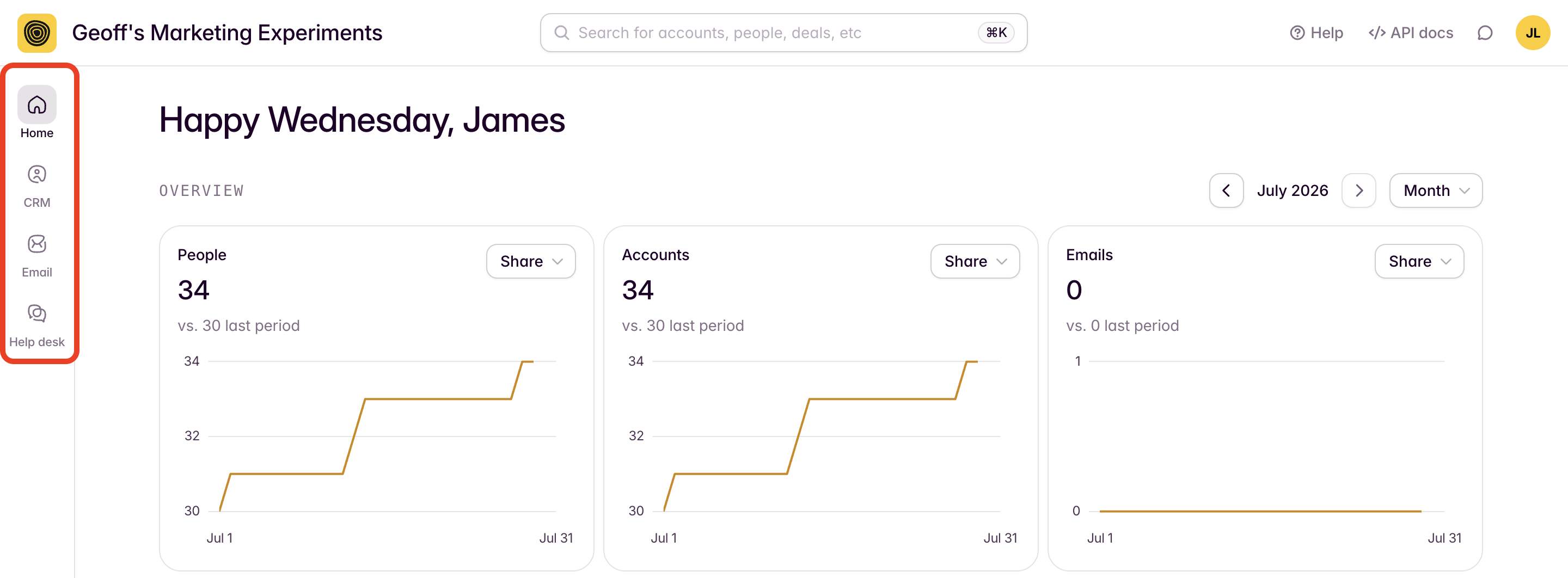
Operators only have access to the CRM, EMAIL, and HELP DESK tabs within Outseta's navigation and financial reports are automatically hidden.