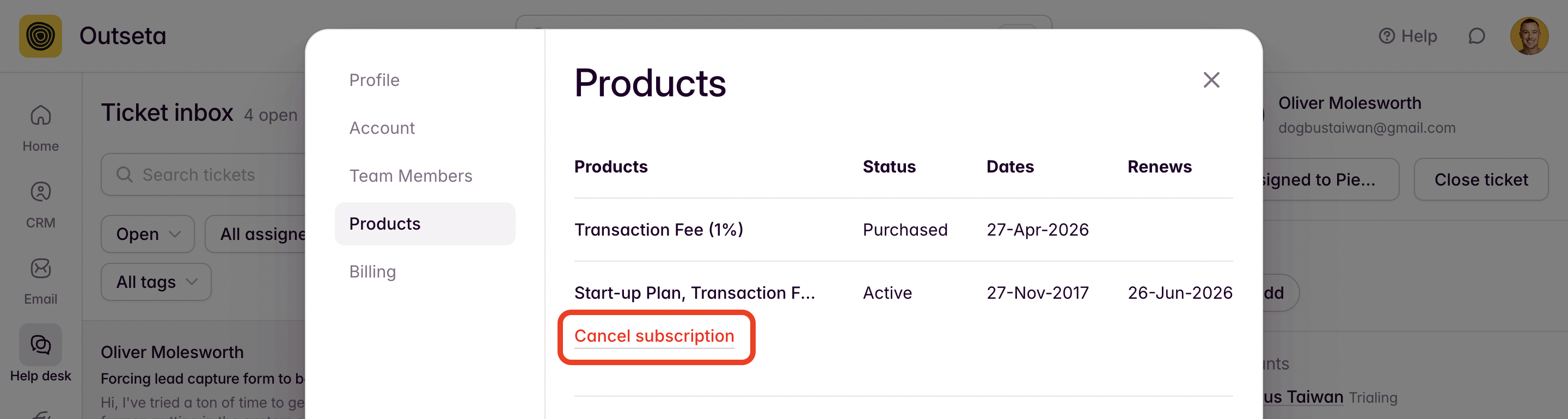
Customers can login and cancel their own subscriptions anytime via the PRODUCTS tab on Outseta's profile embed.
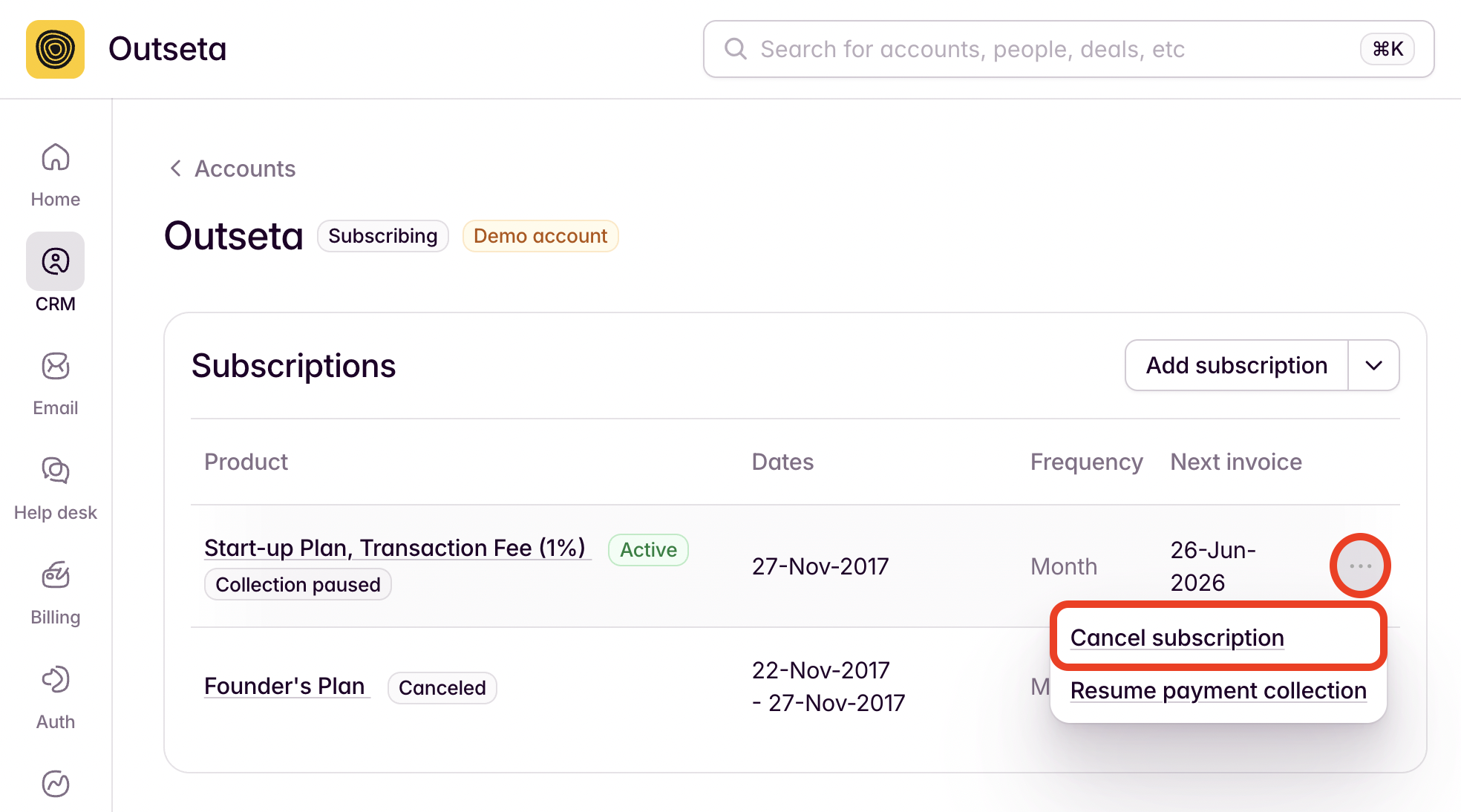
You can also cancel any customers' subscription directly from their Account record.
1. Click the three-dot menu next to the subscription, then CANCEL SUBSCRIPTION.
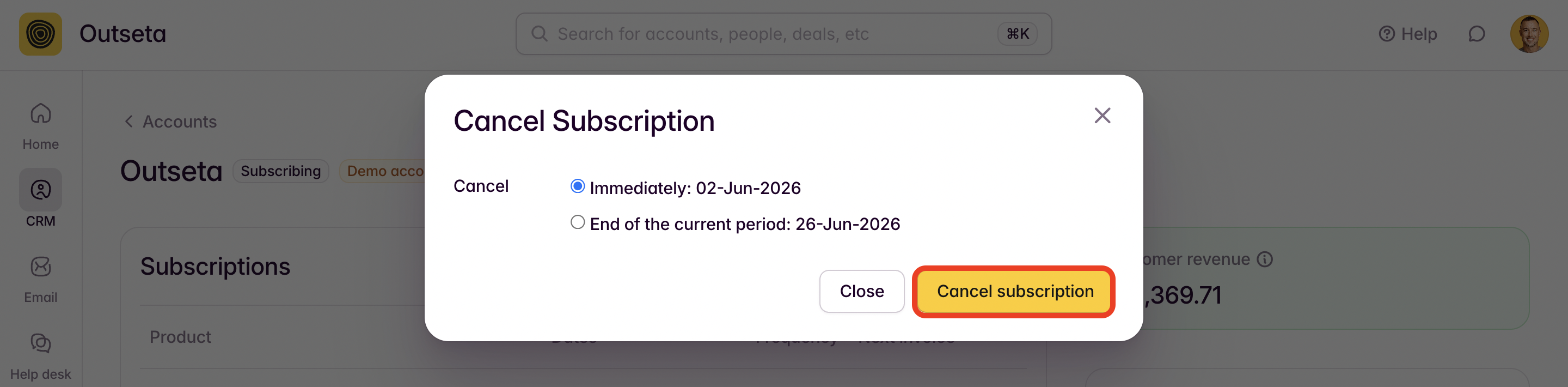
2. In the subsequent modal, you can choose whether you want the cancellation to occur immediately or at the end of the existing subscription period. If you choose immediately, the account will move directly to an EXPIRED billing stage and the account will lose the ability to login.
Once you've selected at option, click CANCEL SUBSCRIPTION.