You can draft, schedule, and send email broadcasts programmatically using the Outseta API or MCP server. This is often useful if you want to write email copy from directly within an AI assistant or programmatically schedule and send a newsletter.
API documentation specific to creating email broadcasts is available here:
https://docs.outseta.com/api-reference/email/create-a-new-broadcast
Creating broadcasts via the MCP server
An example prompt to create an email via the Outseta MCP server is as follows:
"Draft an email broadcast from Geoff Roberts ([email protected]). The recipient should be the "Newsletter" list. The subject of the email should be "July Newsletter." And here's the body of the email: (email copy)."
This style of prompt provides all of the information needed for the MCP server to create a draft of the email within your Outseta account.
Template design for programmatic emails
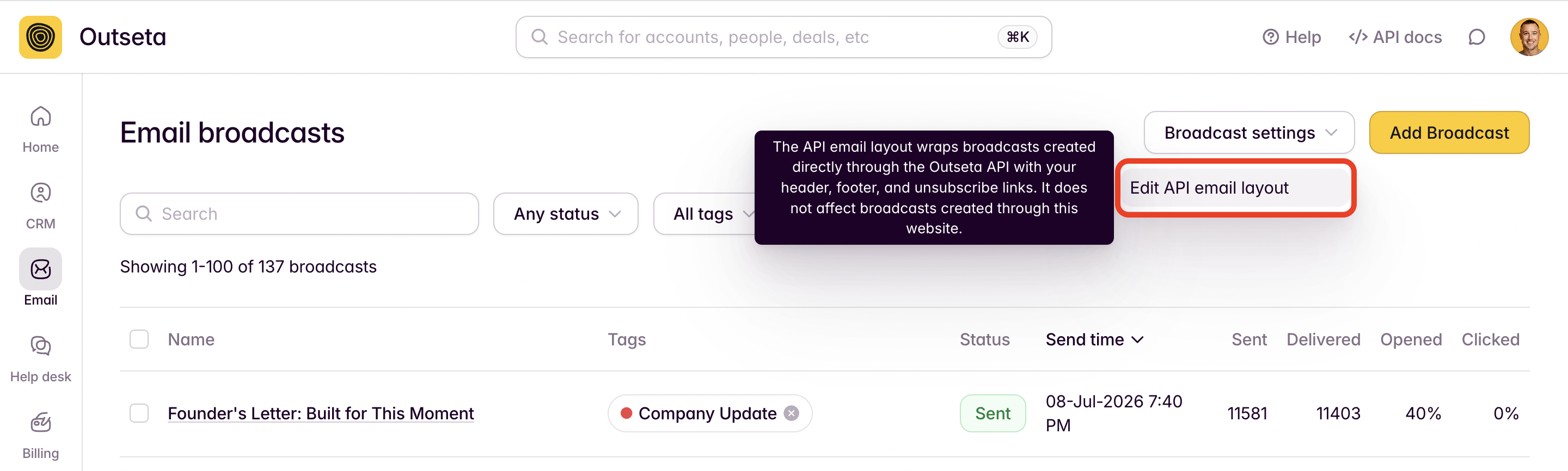
All emails that are sent programmatically will use the same email layout. You can find and edit the design of this email layout by going to EMAIL > BROADCASTS > BROADCAST SETTINGS.
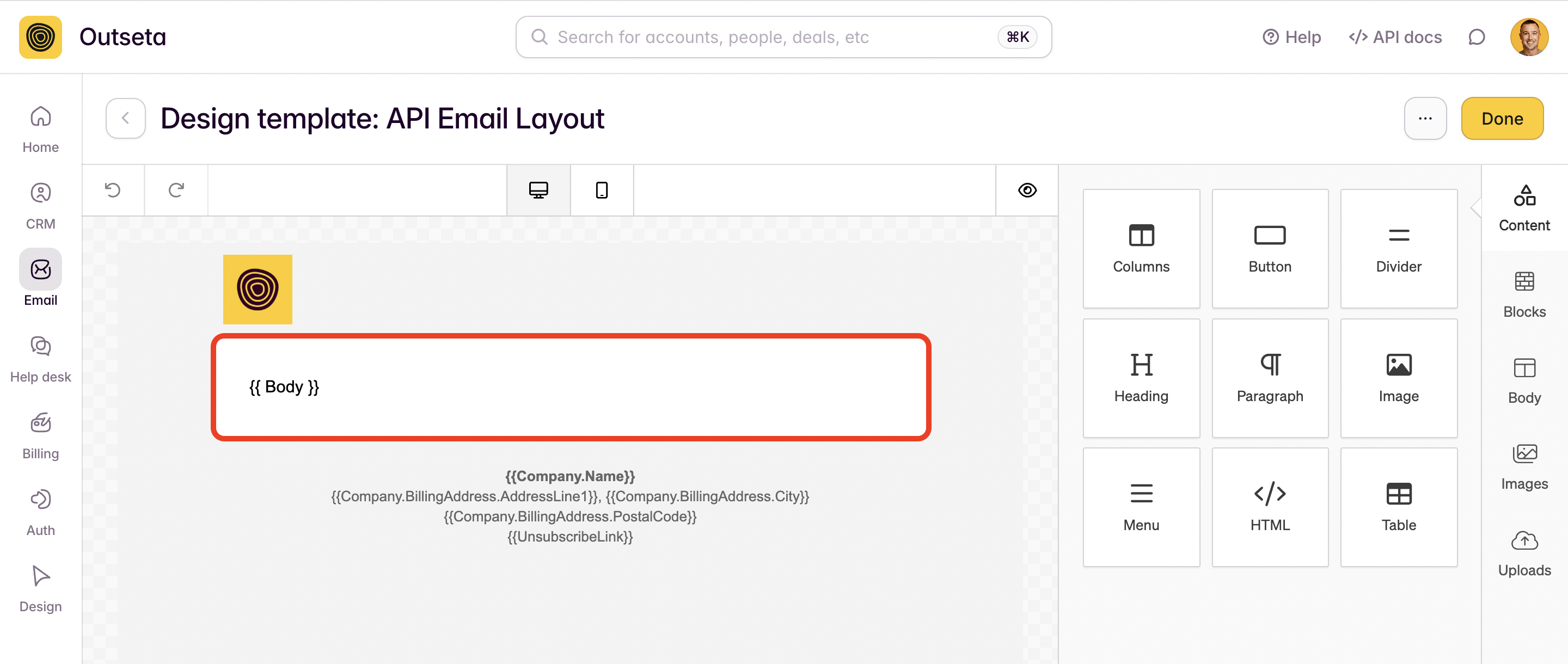
Clicking EDIT API EMAIL LAYOUT opens this email layout—you have full access to Outseta's email designer so you can customize this template to your liking. By default, the template will pull in your brand's logo as well as a footer that includes your sender address and an unsubscribe link. The copy of your email will be injected into the {{Body}} section of the email.