
Product Families can be used to group associated products—for example, you might put a Basic, Pro, and Enterprise products into the same product family to allow you customers to choose from that set of products.
Product Families can also be used to isolate products from one another. For example, if a user is subscribed to a product in Product Family A, they can't upgrade or downgrade to products in Product Family B. Subscribers can only change to other products contained within their current product family.
Adding, activating and deactivating product families
Whenever you create a Product in Outseta, you'll be asked to assign the product to a Product Family.
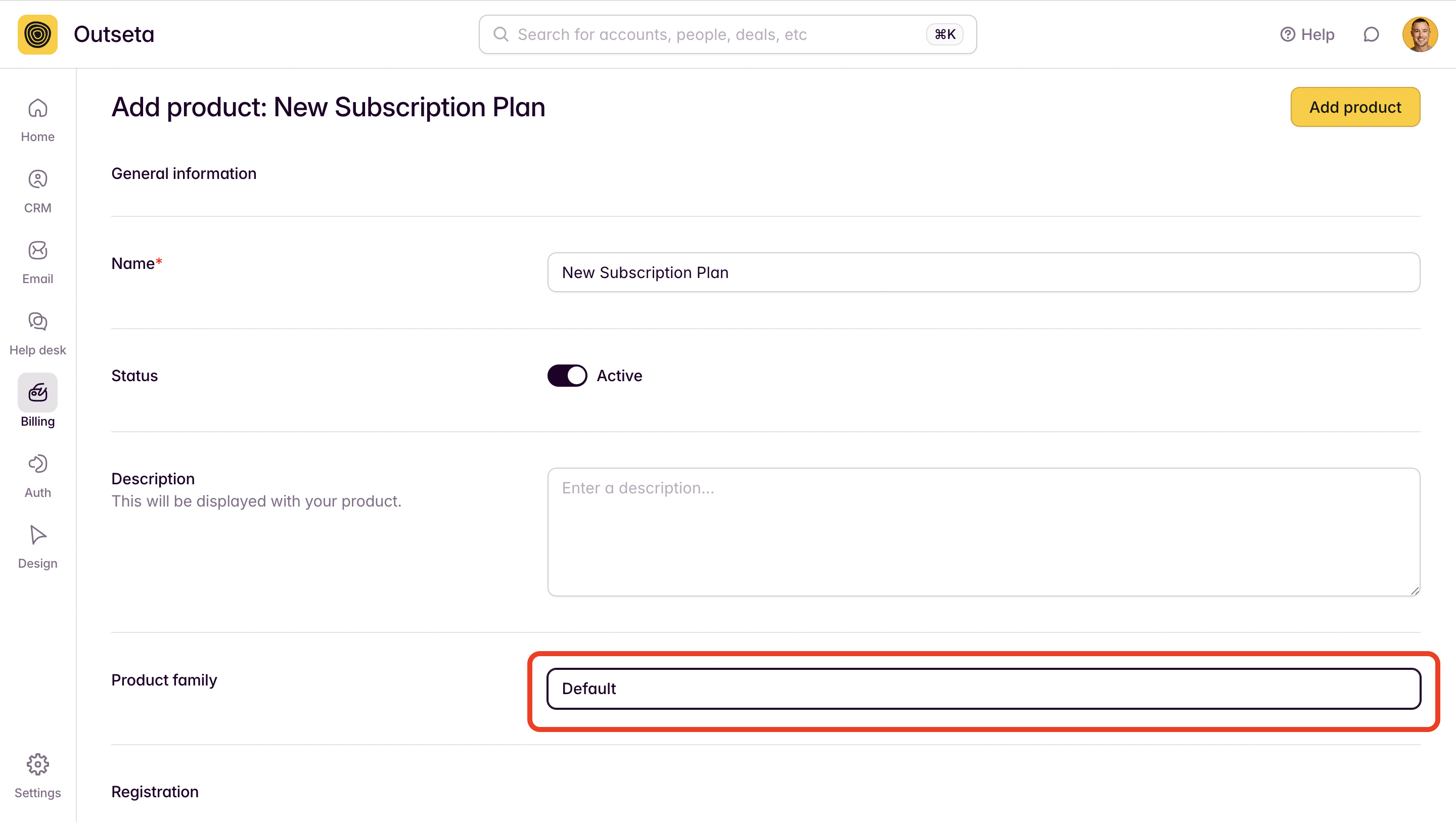
Your Outseta account includes a Default product family by... default. You can add additional product families by going to BILING > PRODUCT FAMILIES and choosing ADD PRODUCT FAMILY.
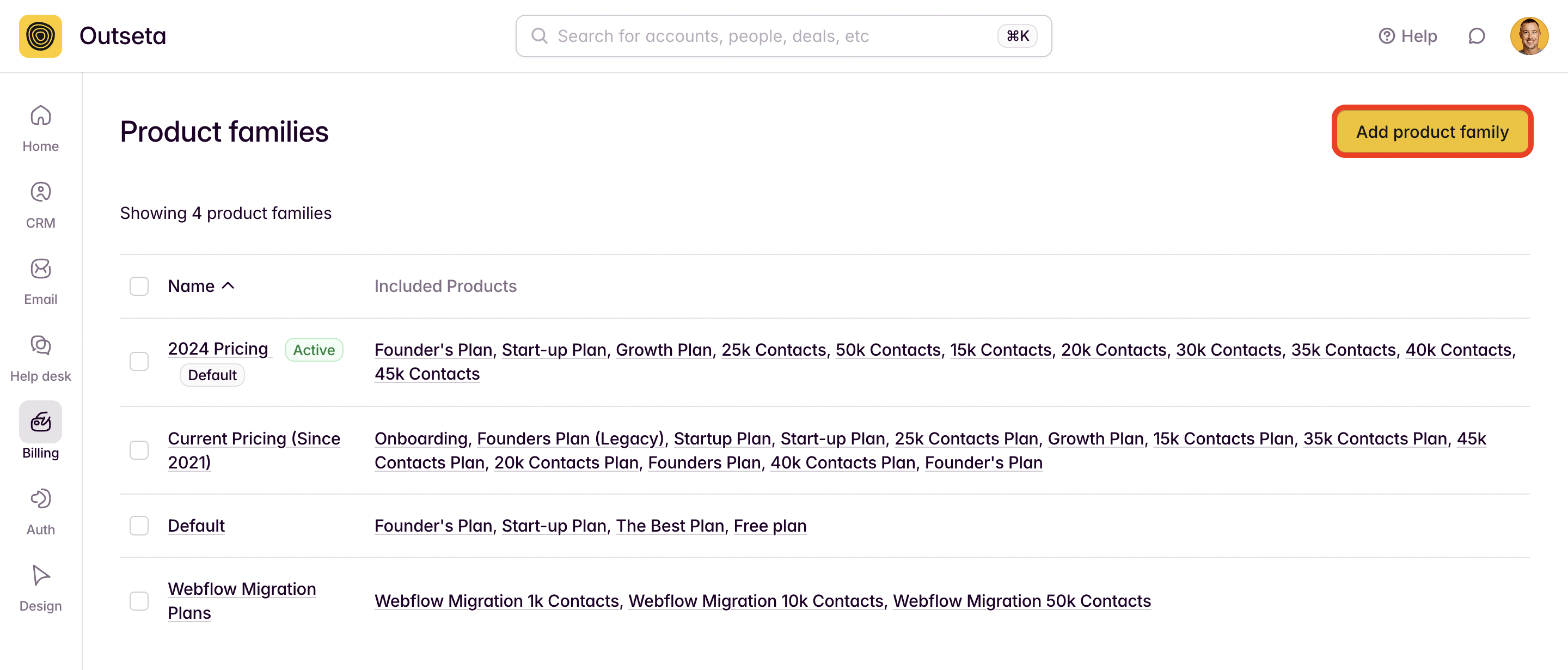
In the subsequent modal, give your product family a descriptive name. You can also add pre-existing products to your product family from here if you wish.
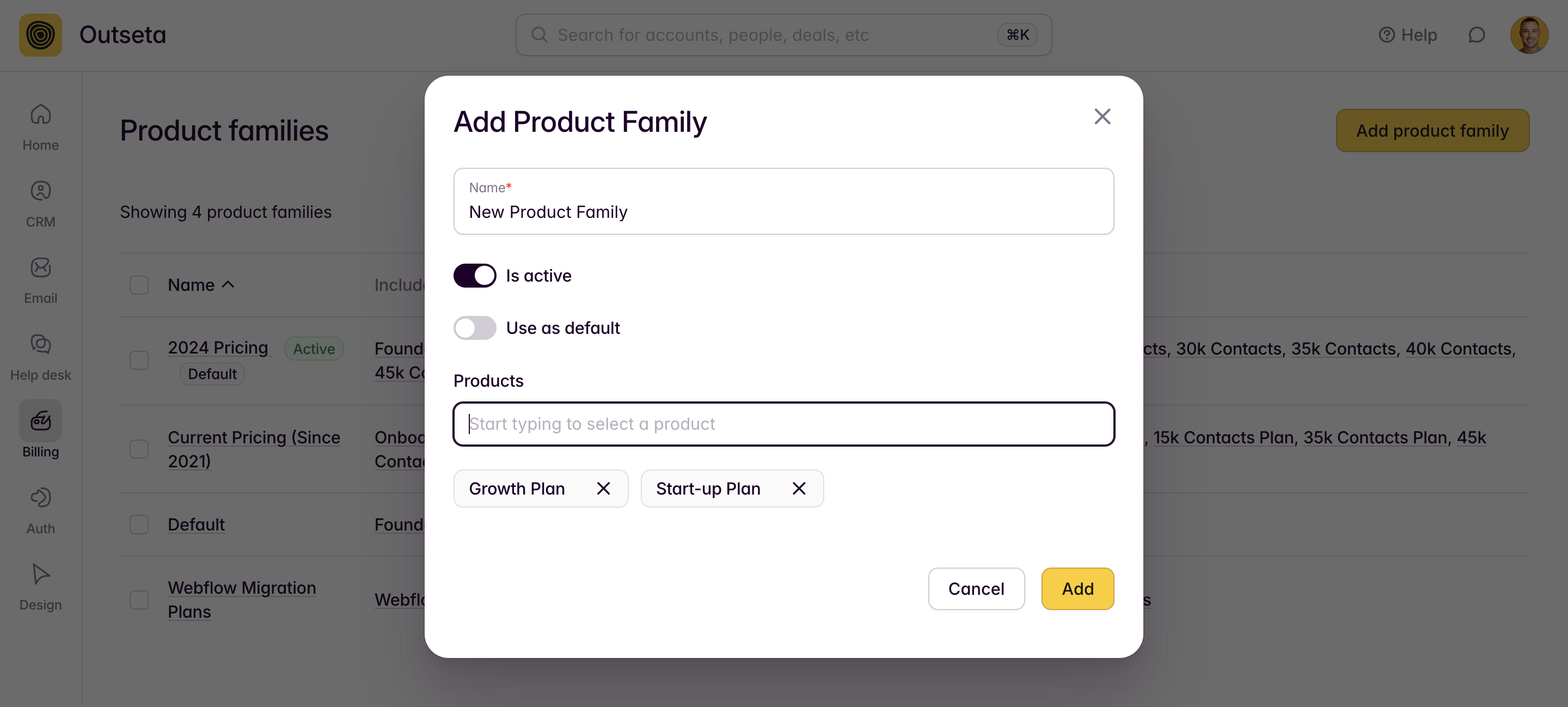
- Is Active—Choose this option is you want plans within your product family to be "live"—meaning they are accessible and available for sign up via sign up forms that you add to your site.
- Use as default—Choose this option if you want this product family to be the product family that Outseta defaults to showing on your website. This primarily affects which plans will show if you user the sign up links provided at the bottom of the AUTH > EMBEDS page within your Outseta account.
Product family specific sign up forms
You can use the configuration tool found at AUTH > EMBEDS > SIGN UP to build sign up forms specific to any product or product family.
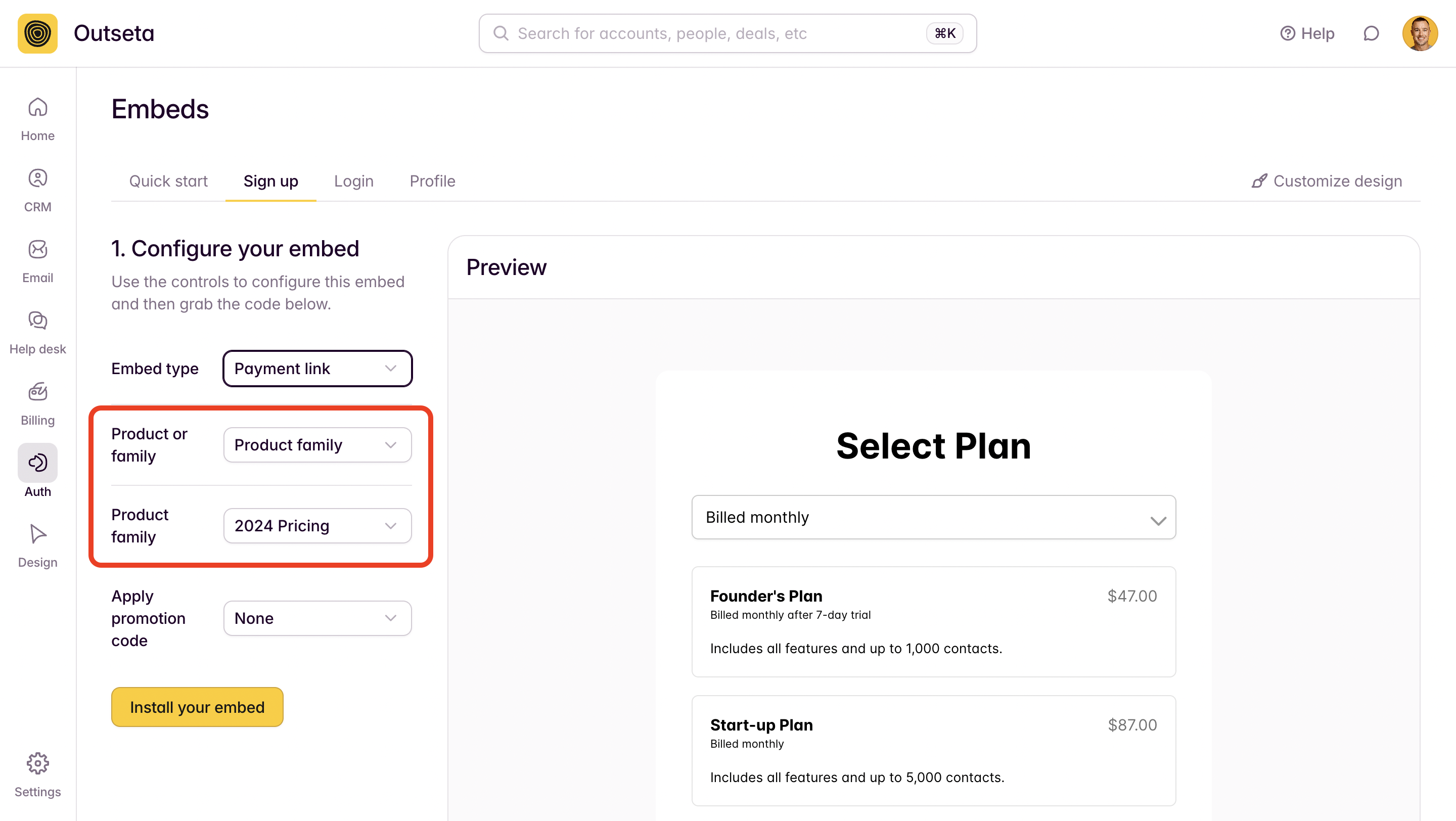
Using product families to offer customer pricing plans to customers
If you often sell to organizations that you want to create custom pricing plans for, simply create a new product family for each organization that you want to offer custom pricing. You can include a single product or a series of products, then generate embed code, pop-up trigger links, or payment links specific to that organization's product family.
This is a great way to make organization feel like you've created a landing page experience and pricing structure specifically for them (you have!)—and they'll only be able to sign up for plans contained within their product family.